Claude Code for video editing: what it can and cannot do in 2026
An honest look at editing short-form video with Claude Code and skills like Remotion and HyperFrames: a realistic workflow, costs, limits and who it suits.
- Claude Code with video skills can produce a real rough cut: transcribe, cut retakes, add captions and graphics, render.
- It edits by reading transcripts and still frames, not by watching the video like a person.
- The workflow is terminal-based: you install tools, approve steps and check every render.
- Costs are a paid Claude plan with shared usage limits, plus any transcription service you choose.
- Taste calls (best take, grade, pacing) stay with a human, which is why non-developers benefit from a friendlier layer.
In 2026 Claude Code, paired with video skills, can genuinely edit short-form video: it can transcribe your footage, cut retakes and filler words, build captions and motion graphics in Remotion or HyperFrames, and render a finished MP4. What it cannot do is watch your clip like a human editor or decide what looks good. It works from transcripts and still frames, it runs in a developer-style environment, and the taste calls stay with you. For a technical creator that is a powerful setup. For most creators it is a lot of plumbing.
First, what Claude Code actually is
Claude Code is Anthropic's agentic assistant that runs in your terminal, and also in a desktop app, code editors and the web. "Agentic" means it does not just answer: it reads files, edits them, runs commands and checks the results in a loop until the task is done.
For video, that matters because editing with code is a chain of commands: transcribe the audio, cut with FFmpeg, write a Remotion composition, render, check. Claude Code can run that chain for you. Before it edits a file it saves a checkpoint, so you can roll back a bad change.
New to the idea of video built from code? Start with Making videos with code, then come back.
What a "video skill" adds
A skill is a folder with instructions and scripts that teaches an AI agent a specific job. Anthropic introduced Agent Skills in October 2025 and later published them as an open standard. Claude only loads a skill's full instructions when the task needs it.
Here are the main video skills people use with Claude Code today:
| Skill | What it helps with | Notes |
|---|---|---|
| Remotion Agent Skills | Animations, typography, captions, previews, rendering in Remotion | Official, from the Remotion team; Remotion's free license covers individuals and teams up to 3 |
| HyperFrames skills | Building HTML-based compositions and rendering them to MP4 | Open source from HeyGen, Apache 2.0 |
| video-use | Cutting filler words and dead space, color grading, burned-in subtitles, animated overlays | Open source; needs FFmpeg and an ElevenLabs API key for transcription |
What Claude Code can do for a talking-head Reel
The most useful public example comes from inside Anthropic. Thariq from the Claude Code team published how Claude Code edited a launch video from 17 takes. The pipeline:
- Transcribed every take with word-level timestamps.
- Used separate sub-agents to pick the best take for each scene: few filler words, a complete delivery, cuts that land in silence.
- Wrote the edit as a JSON list of in and out points with reasons.
- Let FFmpeg execute that list, then re-transcribed the cut to verify it.
- Offered several color grades and let the human choose.
- Rebuilt the designers' graphics as Remotion components, timed to spoken words found by searching the transcript.
- Rendered the final video headlessly.
A watchable rough cut came together within minutes. The key trick: because every word has a timestamp, Claude finds cut points by searching text instead of scrubbing a timeline.
The video-use project packages a similar idea for anyone. Its README is refreshingly clear: the model does not watch the video, it reads a compact transcript, and only looks at a generated filmstrip image at decision points. It proposes a strategy and waits for your approval before cutting, then checks the render at each cut and fixes and re-renders up to three times if something is off.
What it cannot do (yet)
- See your video like a person. It sees transcripts and stills. A bad facial expression with clean audio can slip through.
- Make taste calls. In Thariq's project, the grade and design approvals stayed with the human. Picking the "best" take is also partly taste.
- Hear perfectly. Transcription makes mistakes; the same project shows a name misheard. Timestamps were still usable, but captions need proofreading.
- Guarantee the render matches the preview. Tella's guide warns that fonts, remote media and file paths can work in preview and fail at render.
- Write flawless motion code. OpenReplay lists typical slips: every animation starting at frame 0, wrong durations, stiff linear movement.
A realistic workflow, step by step
This is roughly what a first project looks like if you want to try it yourself.
- Install the basics. Claude Code, Node.js and FFmpeg. Remotion's guide notes that most coding agents require a paid subscription.
- Make a project folder and put your raw clips inside.
- Add a skill. For Remotion graphics:
npx skills add remotion-dev/skills. For cutting by transcript, a skill like video-use. - Start a preview in one terminal and Claude Code in another, from the project folder.
- Ask for a plan before any cut. Be specific about length, format and what to keep.
- Review the cut list, not just the video. Check where it cut and why.
- Add captions and graphics one change at a time.
- Check still frames first, then render the full video and watch it end to end on a phone.
A good first prompt sounds like a brief to a human editor:
Edit IMG_2041.MOV into a vertical 1080x1920 Reel, 30 to 45 seconds.
Remove pauses, filler words and repeated takes, keep the last good take.
Add word-timed captions: white, bold, centered in the lower third.
Show me the cut list and 3 still frames before rendering.
Do not download any music or stock footage.
Tip: Ask for one change per message ("make the hook title 20% larger") instead of "make it better". Agents follow precise numbers far more reliably than vibes.
Costs and limits
| Cost item | What to expect |
|---|---|
| Claude plan | Claude Code is included in Pro and Max; Claude and Claude Code activity count against the same usage limits |
| Transcription | Some skills call a paid service (video-use uses ElevenLabs with your own API key); others can run a local speech model such as Whisper, as in the Claude Code team's example |
| Remotion license | Free for individuals and teams up to 3; company license from 4 people |
| Your time | Setup, approving steps, fixing render errors and proofreading captions |
| Your computer | Rendering draws every frame, so long or complex videos can be slow on a laptop |
Long editing sessions also use a lot of context, the working memory the model has for one conversation. Claude Code compacts older parts automatically, so keep standing rules (brand fonts, caption style) in a project file rather than in an early message.
Why non-developers need a friendlier layer
Everything above works. But look at the list of chores: installing Node.js and FFmpeg, managing API keys, reading terminal errors, checking diffs, proofreading timing. The editing got easier; the setup did not. And the hardest part, taste, still needs a designer's eye.
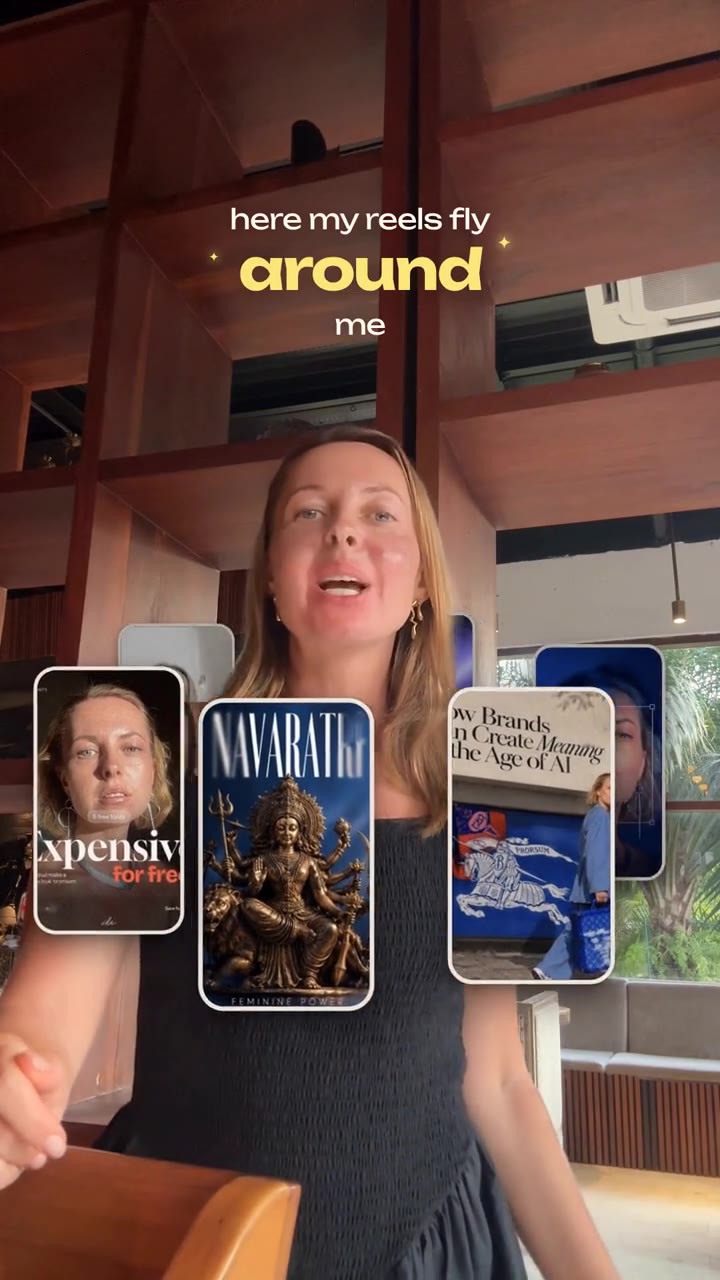
That gap is what Reel Maker is built for. It runs inside Claude: you install it once, choose a designer-curated look, drop your raw footage, say what you want changed in plain words, and export a 1080x1920 Reel. Pauses and retakes are cut, café noise is cleaned up, captions are timed to words in a thin plus bold type pair, and effects like Orbit are already designed. You still need a compatible Claude plan, billed separately by Anthropic.
If you are technical and enjoy building pipelines, Claude Code with Remotion, HyperFrames or video-use is a great playground. If you would rather direct than debug, read how automatic pause and filler cutting works and what makes clean audio from a phone.
Reel Maker is in private beta. Join the waitlist for founding-member pricing, or come to the Telegram community to see new looks and features first.
Questions and answers
Can Claude Code edit a video by itself?
It can run the whole pipeline: transcribe, choose cuts, call FFmpeg, build graphics in Remotion or HyperFrames and render. It still needs you to set it up, approve the plan and judge the result.
Does Claude Code watch my footage?
Not like a person. Typical video skills give it a word-level transcript and occasional still frames or timeline images, and it makes decisions from those.
How much does it cost to edit video with Claude Code?
Claude Code is included in Anthropic's Pro and Max plans, and its usage counts against the same limits as regular Claude. Some skills also need a transcription service with its own API key, and larger teams may need a Remotion company license.
Do I need to be a developer?
You do not need to write code, but you will install tools, run commands and read error messages. If that sounds like work you want to avoid, a directed tool built on top of Claude is a better fit.
Sources
- How Claude Code works (Claude Code docs)
- Using Claude Code with your Pro or Max plan (Claude Help Center)
- Equipping agents for the real world with Agent Skills (Anthropic)
- Agent Skills (Remotion docs)
- Prompting videos with Claude Code (Remotion docs)
- License FAQ (Remotion docs)
- HyperFrames (GitHub, HeyGen)
- video-use (GitHub, Browser Use)
- Video editing with Claude Code (Thariq, Claude Code team)
- How to use Remotion Agent Skills with Claude Code (Tella)
- Making videos with Claude Code and Remotion (OpenReplay)